
How to Track Keywords in Google Search Console
Connect Search Console to load 90 days of queries, then find rising keywords and weak CTR and follow a watchlist day by day. Free and read-only.
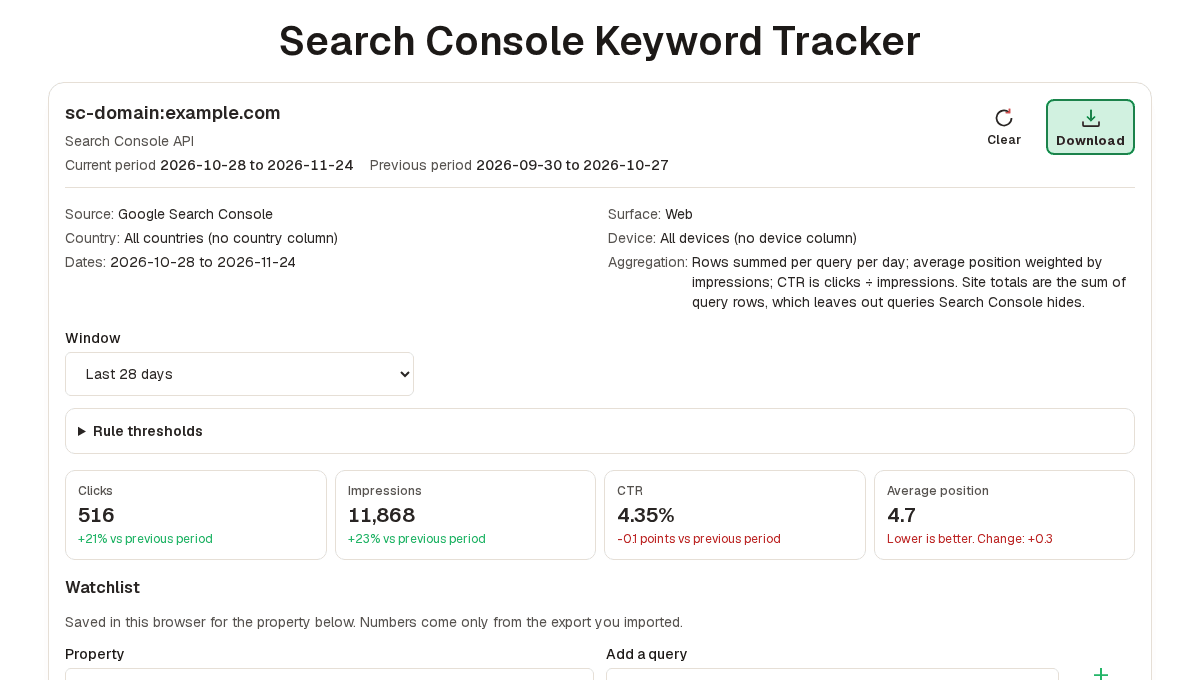
To track keyword rankings from Google Search Console, open the Search Console Keyword Tracker, connect Search Console, pick a property, and press Load queries. It loads the last 90 days of queries and shows clicks, impressions, CTR and average position, with rising queries and weak CTR flagged.
Steps
- Open the tool. Go to Keyword Tracker.
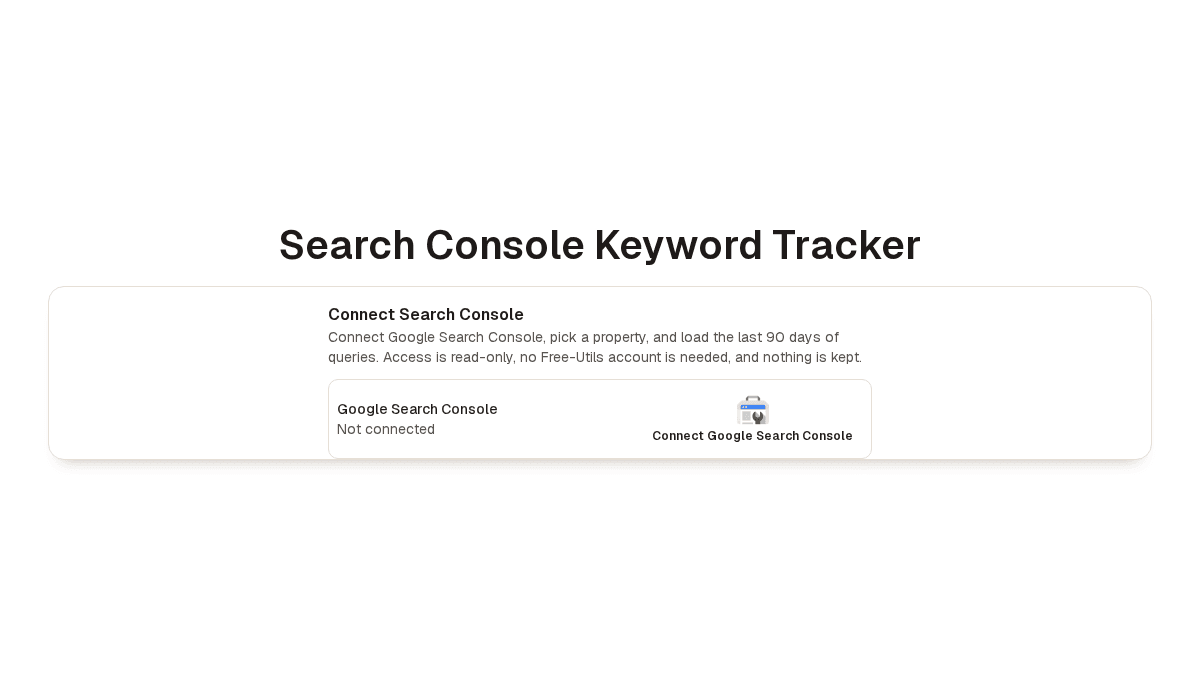
- Connect Search Console. Press Connect Google Search Console and sign in with the Google account that can view the property. Access is read-only.
- Pick a property and load. Once connected, the Search Console row shows a property dropdown and a Disconnect button. Choose the property, then press Load queries.
- Watch the queries you care about. Press Watch in the table, or type a query under Add a query. The chart follows your watchlist.
- Save the result. Press Download for a PDF report or an Excel workbook.
What the results mean
- Clicks, impressions, CTR and average position cover the window you pick, compared with the window before it. Lower position is better.
- Rising query means impressions grew past the growth threshold.
- CTR fell means the click rate dropped while the position held, so the title or description is the likely cause.
- Weak CTR means a query's click rate is at most half the median CTR of similar queries at a similar position on your site.
- Change the limits under Rule thresholds. The Opportunities list updates at once.
Questions
Where is my watchlist kept? In this browser, for each property. It is not sent to Free-Utils.
Why are search volume and keyword difficulty missing? Search Console does not report them. The tracker shows only data that comes from your own property.
Is my data stored? No. The read-only grant is encrypted into a cookie in your browser for about an hour, and no Free-Utils account is needed.
Related tools and guides
- Search report: a site-wide report from Google and Bing.
- Meta tag checker: rewrite the title and description of a page with weak CTR.
- Google index checker: confirm a page is indexed before you track it.
How to Check Backlinks in Bing Webmaster Tools
Connect Bing Webmaster Tools to list the sites that link to you, then check each source page live to see if the link is still there. Free and read-only.
How to Check if Google Indexed Your Pages
Connect Search Console, paste up to 50 URLs or use a sitemap, and see whether Google indexed each page, when it crawled it and which canonical it chose.