
How to Check DNS Records for a Domain (Free)
Look up A, AAAA, CNAME, MX, TXT, NS, SOA and CAA records for any domain, and check SPF, DMARC and DKIM with a clear fix for each problem found.
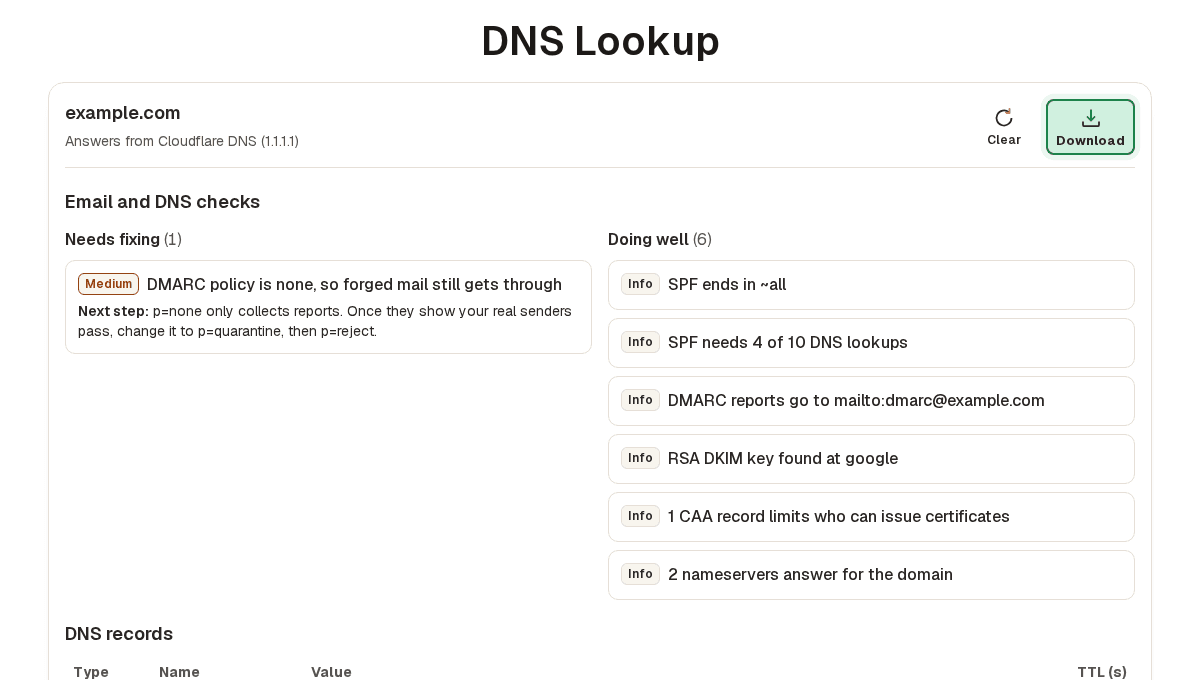
To check the DNS records of a domain, open the DNS Lookup, type the domain, and press Look up. Your browser asks Cloudflare's public DNS directly, with Google as a backup, and shows every A, AAAA, CNAME, MX, TXT, NS, SOA and CAA record, plus SPF, DMARC and DKIM checks with fixes.
Steps
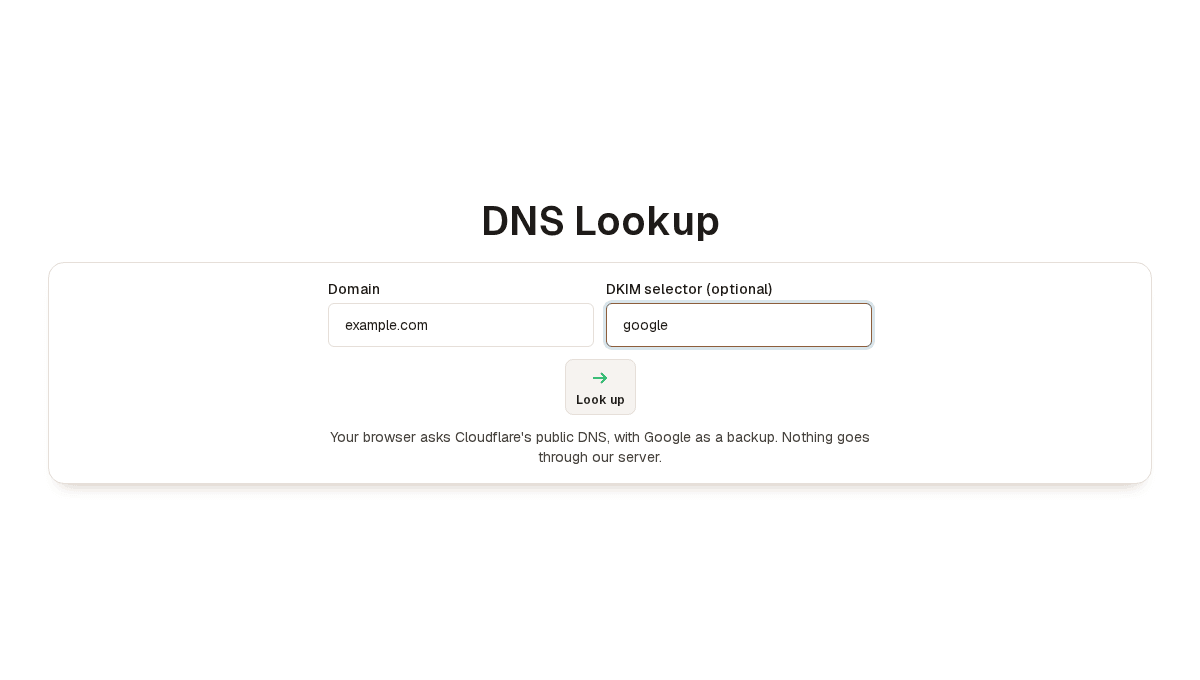
- Open the tool. Go to DNS Lookup.
- Type the domain. Enter a name such as
example.com, withouthttps://. - Add a DKIM selector if you know it. Your mail provider names it, such as
googlefor Google Workspace orselector1for Microsoft 365. Leave it blank to skip the DKIM check. - Press Look up. The results appear in a second or two.
- Save the records. Press Download for a CSV of all records.
What the results mean
- A and AAAA are the IPv4 and IPv6 addresses the domain points to. CNAME is an alias to another name.
- MX records name the servers that receive mail, lowest number first.
- TXT holds SPF, site verification codes and other text. NS names the DNS servers for the domain, and SOA holds the zone's serial number and timers.
- CAA limits which certificate authorities may issue certificates.
- TTL is how many seconds resolvers may cache a record. After you change a record, old answers can last that long.
- Needs fixing flags problems such as no SPF record, more than 10 SPF lookups, a DMARC policy of none, or a weak DKIM key, each with the record to change.
Questions
Does the lookup go through Free-Utils? No. Your browser asks Cloudflare DNS over HTTPS, and Google Public DNS only if Cloudflare fails.
Why does it check SPF on the domain without www? www is a web host and does not send mail, so the mail checks run on the parent domain.
My new record does not show yet. Why? Public resolvers may still cache the old answer until its TTL runs out. Look up again later.
Related tools and guides
- Domain age checker: see when a domain was registered and when it expires.
- Website history: see how a site looked in past years.
- Meta tag checker: check the tags of a page on the domain.
How to Submit URLs to Bing with IndexNow (Free)
Make an IndexNow key, upload its file to your site, and submit up to 1,000 URLs to Bing, Yandex, Seznam, Naver and other engines in one batch for free.
How to Check a Domain's Age and Expiry Date
Find when a domain was registered, when it expires, its registrar and nameservers, read from the registry's public RDAP record in your browser.