How to Check Backlinks in Bing Webmaster Tools
Connect Bing Webmaster Tools to list the sites that link to you, then check each source page live to see if the link is still there. Free and read-only.
To check your backlinks for free, open the Backlink Audit, press Connect Bing Webmaster Tools, pick your verified site, and press Load links. The audit lists the pages that link to your most-linked pages, and a live check confirms whether each link is still on the source page.
Steps
- Open the tool. Go to Backlink Audit.
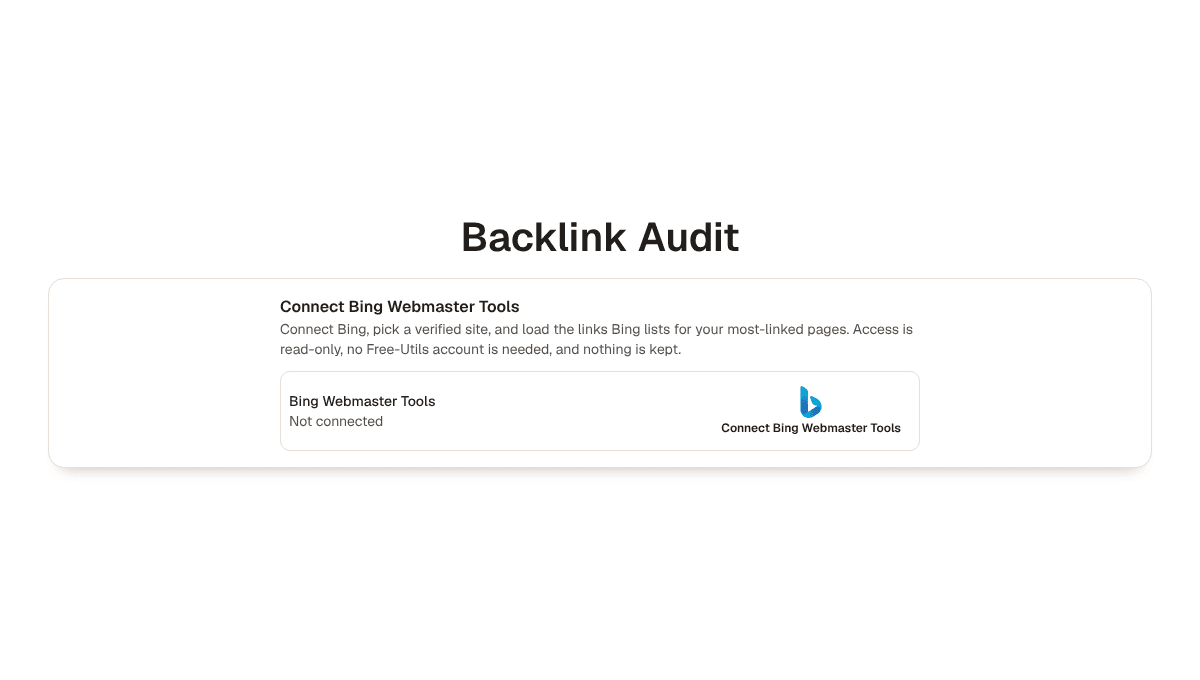
- Connect Bing. Press Connect Bing Webmaster Tools and sign in with the Microsoft account that has your site. Access is read-only.
- Pick a site. Once connected, the Bing row shows a dropdown of your verified sites and a Disconnect button. Choose one and press Load links.
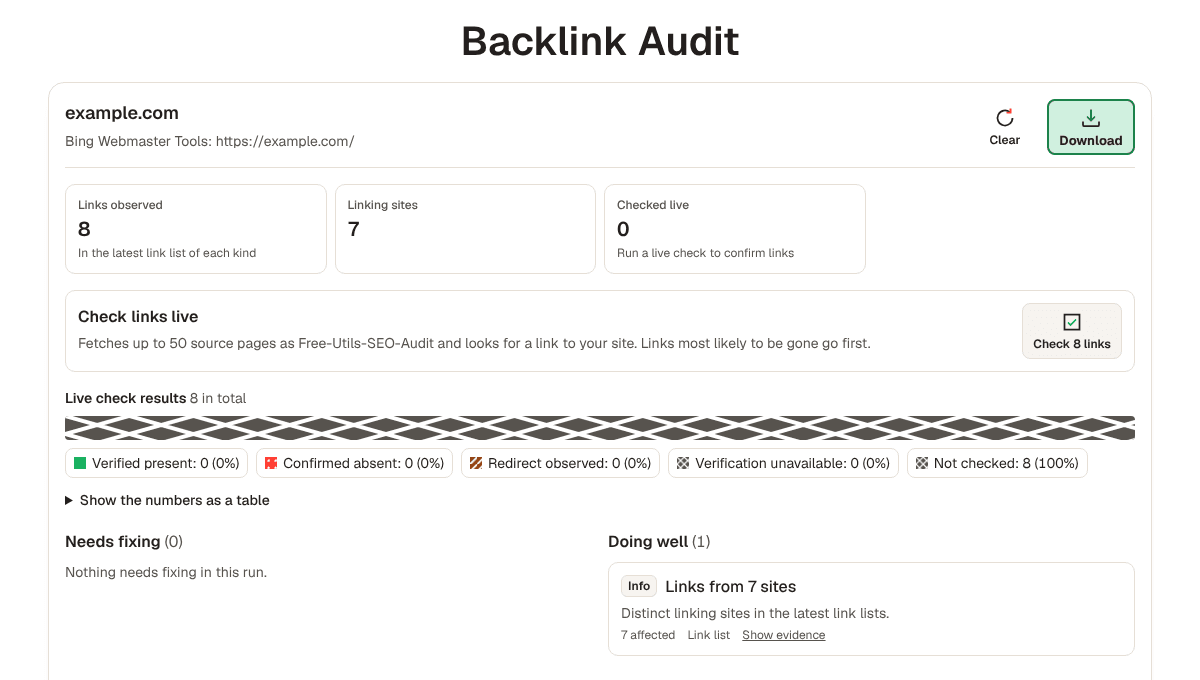
- Check the links live. In Check links live, press Check N links (for example, Check 12 links) to fetch each source page and look for a link to your site.
- Save the result. Press Download for a PDF report or an Excel workbook, or CSV for the links table.
What the results mean
- Links observed and Linking sites count what Bing listed. Bing lists links for your 20 most-linked pages, up to 5 link pages each, so a large site has more links than this.
- Verified present means the source page loaded and links to you. Confirmed absent means the page loaded without the link, or answers 404 or 410.
- Redirect observed means the source page moved, so the link may have moved with it.
- Verification unavailable covers robots.txt rules, errors and time limits.
- Links marked nofollow, sponsored or ugc are listed as present, with their rel value.
Questions
Why Bing and not Google? Google Search Console has no API for links, so a live connection is possible only with Bing Webmaster Tools.
Is anything stored? No. The read-only grant lives in an encrypted cookie in your browser for about an hour, and you need no Free-Utils account.
What does the live check send? It fetches up to 50 source pages as Free-Utils-SEO-Audit and obeys each site's robots.txt.
Related tools and guides
- Search report: clicks and issues from Google and Bing in one report.
- Domain age checker: see how old a linking domain is.
- Website history: look at a linking site's past in the Wayback Machine.
How to Run a Free Website SEO Audit
Crawl your site to find broken internal links, redirect chains, sitemap errors and noindex conflicts. Free, with no sign-up needed.
How to Track Keywords in Google Search Console
Connect Search Console to load 90 days of queries, then find rising keywords and weak CTR and follow a watchlist day by day. Free and read-only.