
How to Check Meta Tags and Share Previews
Check the title, meta description, canonical, Open Graph and X card tags of any page, see Google and social previews, and get a fix for each problem.
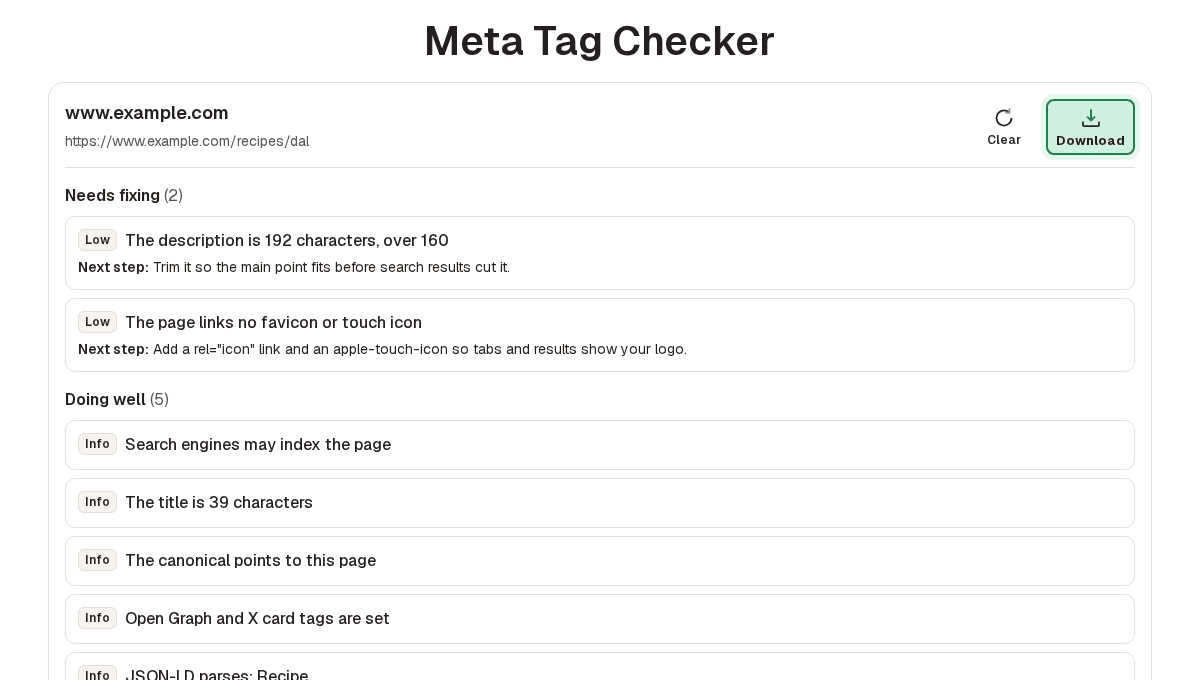
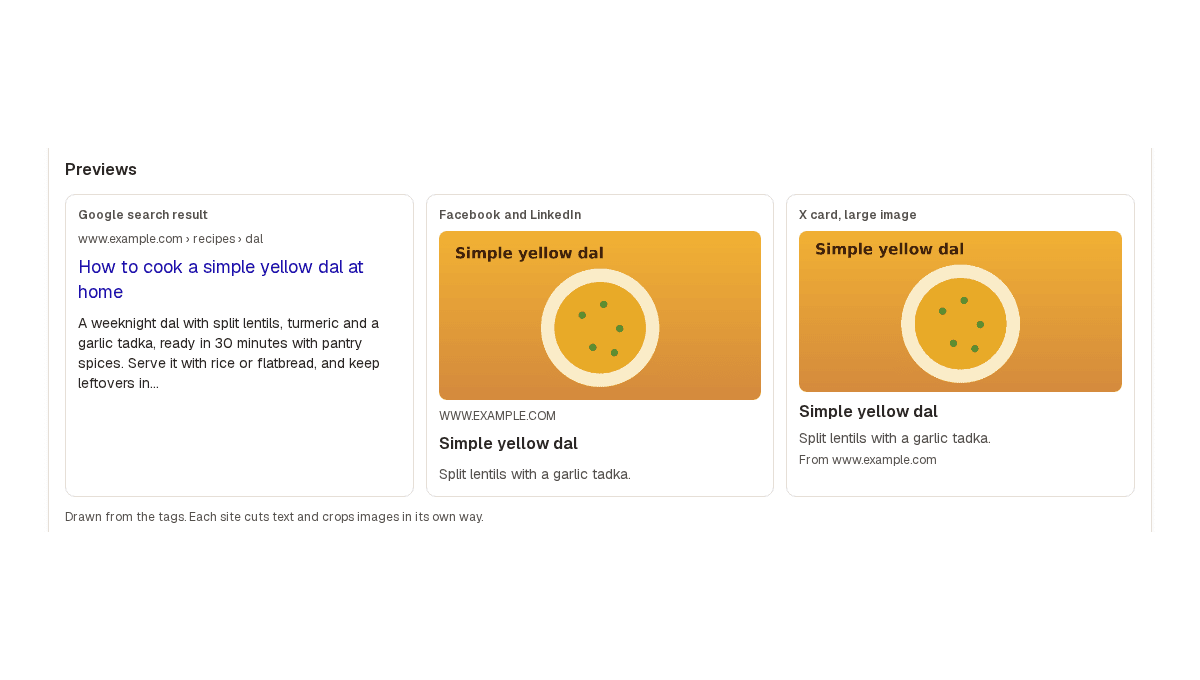
To check a page's meta tags, open the Meta Tag Checker, paste the page address, and press Check tags. It reads the page's head once and lists problems with fixes, previews of the Google result and social share cards, and every tag it found.
Steps
- Open the tool. Go to Meta Tag Checker.
- Paste the page address. Use the full page, such as
example.com/blog/post. The checker follows up to 5 redirects. - Press Check tags. It reads up to 2 MB of HTML within 10 seconds.
- Fix and check again. Change the tags on your site, then run the check again. You can run 20 checks every 10 minutes.
- Save the report. Press Download for a JSON report.
What the results mean
- Title should name the page in about 30 to 60 characters. Longer titles are cut off in results.
- Meta description works best at 70 to 160 characters. Search engines may still write their own.
- Canonical should point to the page's own full URL unless another page is the main version.
- Open Graph tags (og:title, og:description, og:image) decide what Facebook, LinkedIn and chat apps show. og:image must be a full https address.
- twitter:card picks the X card layout.
- Noindex in a meta robots tag or X-Robots-Tag header keeps the page out of search.
- JSON-LD blocks are parsed and their types listed, so a block that does not parse shows up as a problem.
Questions
Does it run the page's JavaScript? No. It reads the HTML the server sends, which is what most share bots read too.
Why does my share image not show in the preview? The image address may be relative, blocked, or slow. Use an absolute https URL for og:image.
Can I check a page on a private network? No. The checker reads public pages only.
Related tools and guides
- Website SEO audit: check canonical and noindex conflicts across a whole site.
- Keyword tracker: find pages whose CTR fell after a title change.
- Page speed checker: test how fast the same page loads.
How to Check if Google Indexed Your Pages
Connect Search Console, paste up to 50 URLs or use a sitemap, and see whether Google indexed each page, when it crawled it and which canonical it chose.
How to Check Page Speed and Core Web Vitals
Test any page with Google Lighthouse on mobile or desktop, and see Core Web Vitals from real Chrome users, lab metrics, and fixes that save the most time.