
Blog
Reviews and practical guides on making files smaller, picking the right format, and keeping your files private.
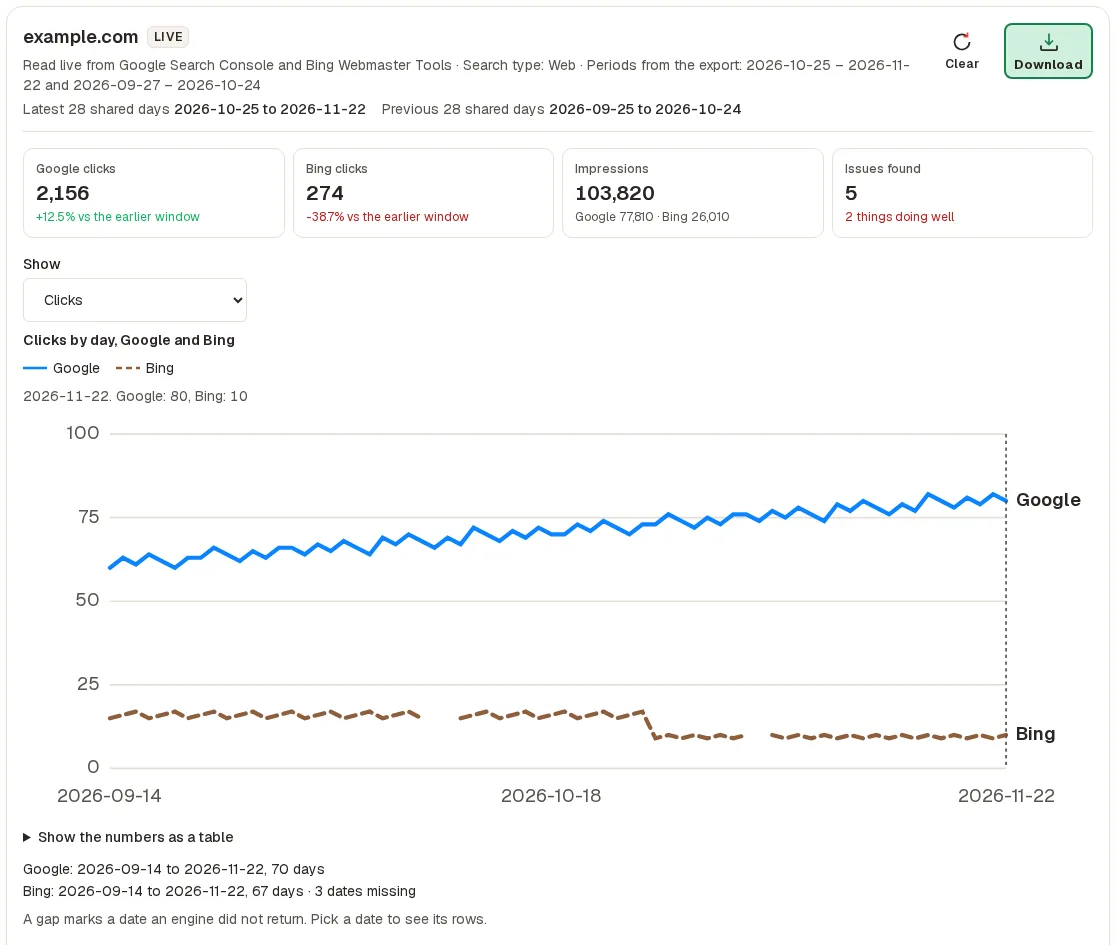 November 27, 202611 free SEO tools for Google Search Console and BingConnect Search Console or Bing Webmaster Tools read-only, or just type a domain. What each free tool answers, what it needs and where its limits are.Read the article
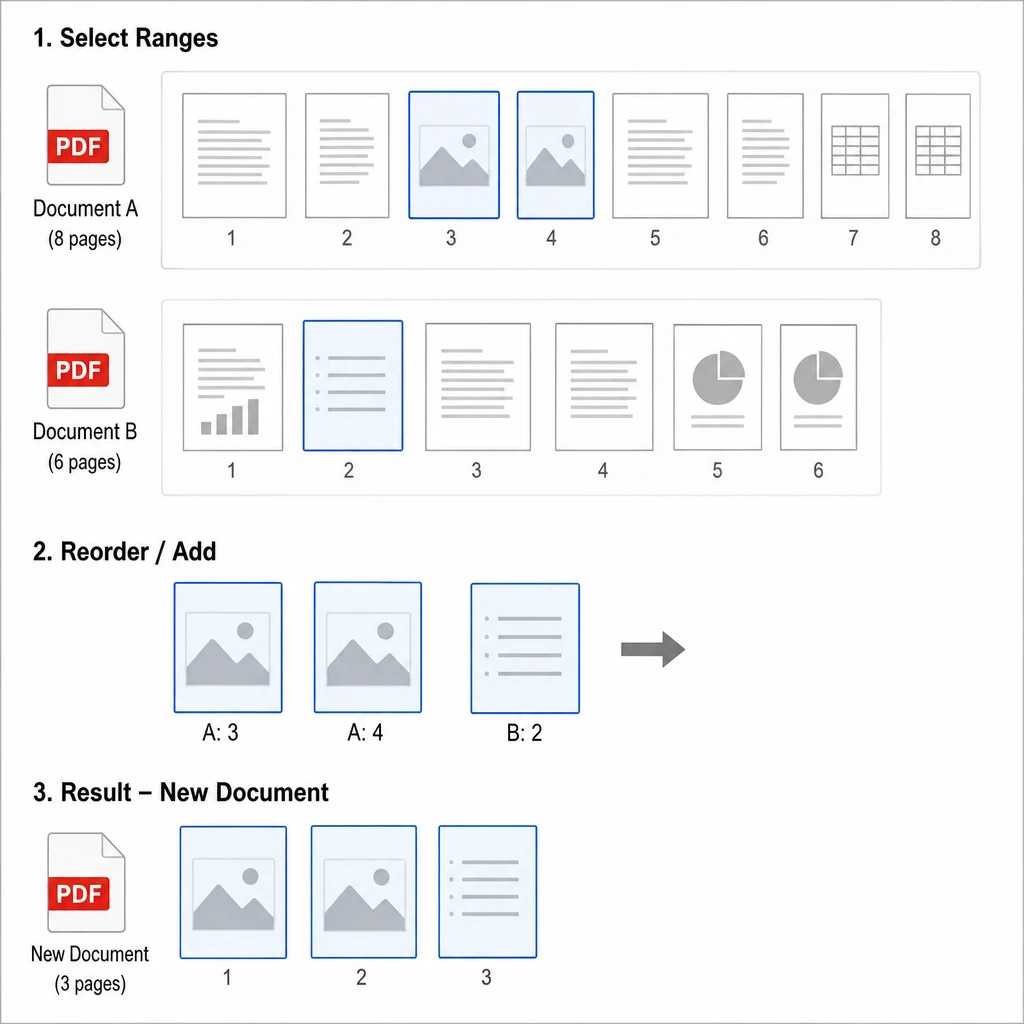 November 27, 2026Top 7 tools to split and merge PDFs, comparedAdobe Acrobat, PDFsam, PDF24, iLovePDF, Smallpdf, Sejda and Mac Preview compared by how you work, plus a free splitter and merger that never uploads your file.Read the article
 November 27, 2026How to add pictures to a PDF onlinePlacing a photo on an existing page and turning photos into new pages are different jobs. Here is how to do each, and how to combine JPGs into one PDF.Read the article
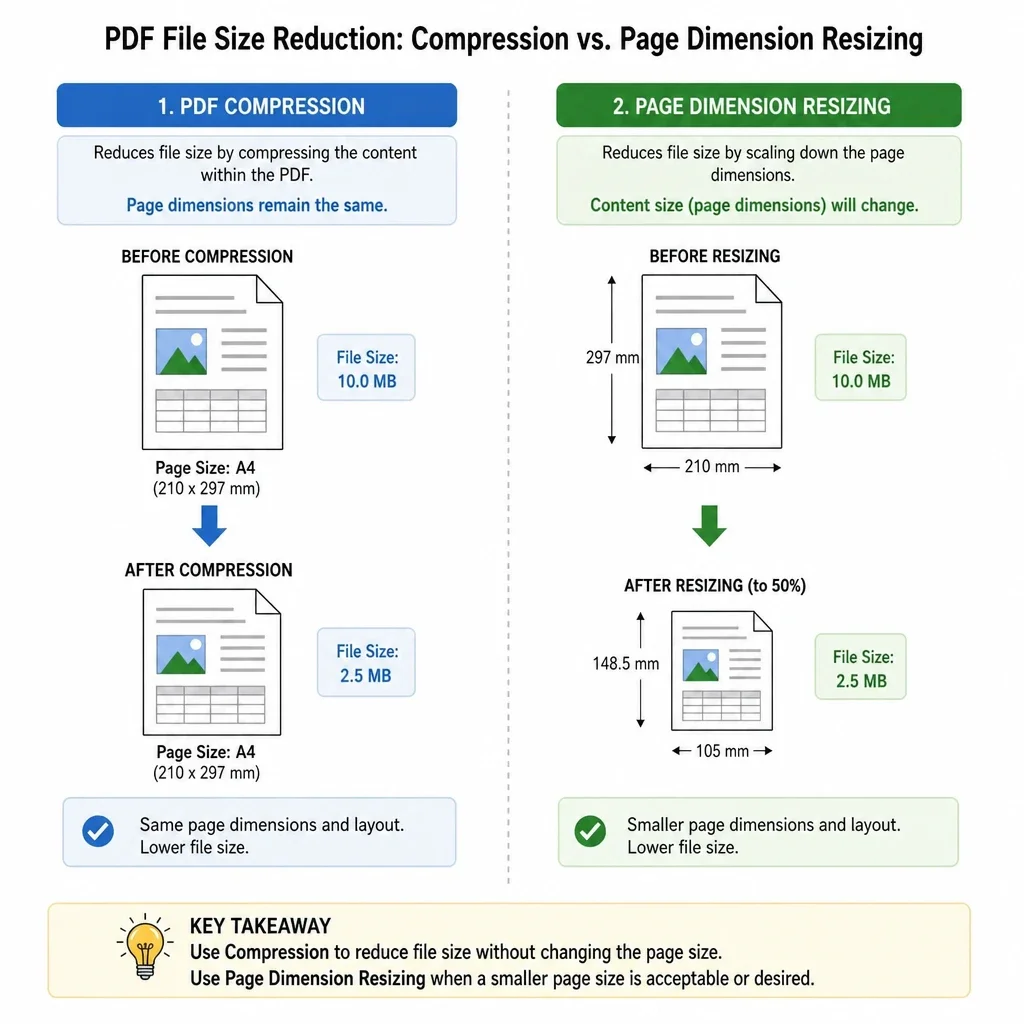 November 27, 2026How to resize a PDF: shrink the file or change the page sizeTwo different jobs share one name. Learn when to compress a PDF to cut its MB, when to change its page size, and how to check the result.Read the article
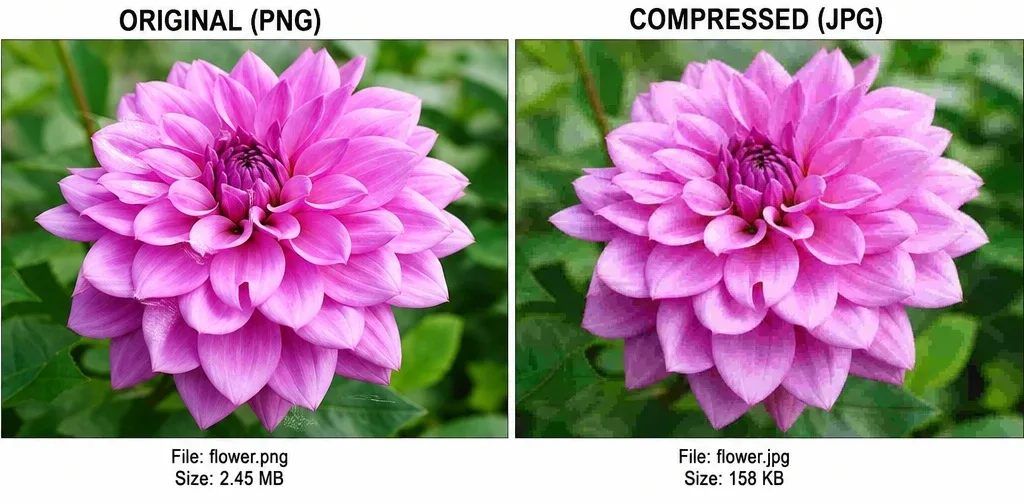 November 27, 2026Best image compressors in 2026, comparedTinyPNG, Squoosh, ImageOptim, ShortPixel and Free-Utils compared by how you work, with a free option that never uploads your picture.Read the article
What you will find here
Honest reviews of the tools people use to shrink, convert and edit files. We compare them by the workflow they suit, such as a quick automatic result, careful manual control, a desktop step, or a website plugin, rather than by a single file-size number. Where our own tools fit, we say so and link to them, and where another tool is the better choice, we say that too.
Practical guides for everyday jobs: getting a photo under the KB limit of an exam or job form, picking between JPG, PNG and WebP, making a PDF small enough to email, or sending a long video without losing too much quality. Each guide explains what changes in the file, what to check before you send it, and why you should keep the original.
Every article is written for people who just need a file to fit a limit, not for specialists. We test claims against each tool's own documentation, note when features or prices may have changed, and link our sources so you can check them yourself.
Most Free-Utils tools run inside your browser, so your files stay on your device. Articles here point to those tools when they help, and to the step-by-step guides in our help center when you want every screen explained. New articles are added as we answer the questions people send us through the suggestions page.