PDF to Excel icon PNG
Free PDF to Excel icon in transparent PNG format, with a light file and a dark file at sizes ranging from 48 px to 256 px.
Download the PNG
What the icon shows
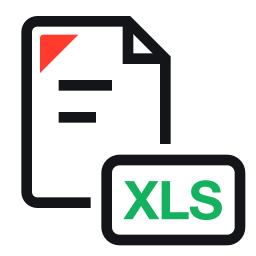
The icon is a single upright page drawn with bold rounded strokes, with a folded flap at the top right corner. Two text dashes cross the middle. A red triangle fills the upper left corner as the PDF family mark. The green rounded label in the bottom right reads XLS, the color that marks Excel and CSV files across this set. A light-stroke copy of the drawing is included for dark backgrounds.
Where to use it
Finance and data teams can place it on an Open in spreadsheet action inside a reports dashboard. It works as a menu entry in an invoice app, a step icon in a guide on getting statement figures into a sheet, or a small badge in a download list that tells users an XLSX file will arrive. In a slide about data workflows it marks the hop from a fixed document to an editable grid.
The PDF to Excel tool
PDF to Excel on free-utils.com puts the text of a PDF into an Excel sheet you can edit and saves it as XLSX. The site notes that table grids are not rebuilt, so cells hold the extracted text. It is browser-based and private.
Free to use with credit
Use this icon for free in personal and commercial work under the Creative Commons Attribution 4.0 license. You can resize or recolour it. Credit Free-Utils with a link to this page, for example:
Icon: PDF to Excel by Free-Utils, https://free-utils.com/free-icons/pdf-to-excel, CC BY 4.0