Compare PDF icon PNG
Need a document diff symbol? This compare PDF icon is a free transparent PNG, with light and dark sets from 48 to 256 px.
Download the PNG
What the icon shows
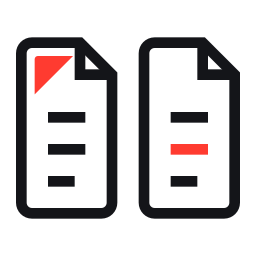
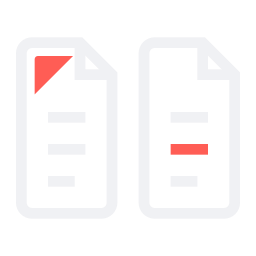
Two slim page outlines stand next to each other, each with a folded top-right corner and three short text lines. On the left page all lines are black. On the right page the middle line is red, pointing out the one place the versions differ. Only the left page has the red corner triangle that marks the PDF family. Strokes are heavy and rounded. The dark file repeats the pair with light strokes so it shows up on dark backgrounds.
Where to use it
For contract software, it marks a Show changes button that opens two drafts side by side. Editors might add it to a review checklist step where the final proof is checked against the approved version. A procurement team could show it in a slide about spotting edits in a returned quote. It suits a version history panel as the diff action, and a status chip that says a new revision has changes.
The Compare PDF tool
Compare PDF shows two versions of a document side by side. The text view marks every word added or removed and counts the changes, while the overlay view compares how the pages look, so it also catches changed pictures and signatures. Both files are read and compared inside your browser, so contracts and drafts never leave your device.
Free to use with credit
Use this icon for free in personal and commercial work under the Creative Commons Attribution 4.0 license. You can resize or recolour it. Credit Free-Utils with a link to this page, for example:
Icon: Compare PDF by Free-Utils, https://free-utils.com/free-icons/compare-pdf, CC BY 4.0